

Demonstrates how to assign images to elements in the model and include the Image or Type Image...
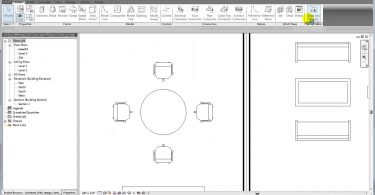
Demonstrates how to assign images to elements in the model and include the Image or Type Image...
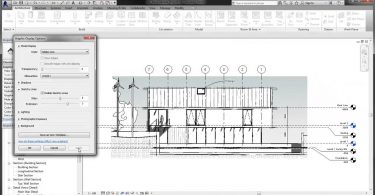
Demonstrates how to apply and control the sketchy lines appearance in model views. source
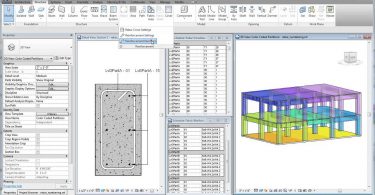
Demonstrates how to use rebar numbering and partitioning in a model. source
Demonstrates how to use rebar numbering and partitioning in a model. source
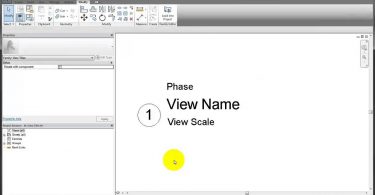
Demonstrates how to use a shared parameter and display this parameter in a view title. source
Demonstrates how to use a shared parameter and display this parameter in a view title. source
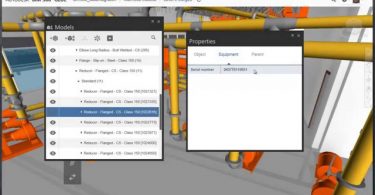
You can share models between BIM 360 Glue and BIM 360 Field to enable connected BIM workflows. This...
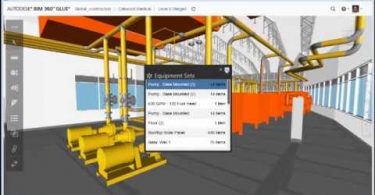
You can share models between BIM 360 Glue and BIM 360 Field to enable connected BIM workflows. This...
You can share models between BIM 360 Glue and BIM 360 Field to enable connected BIM workflows. This...
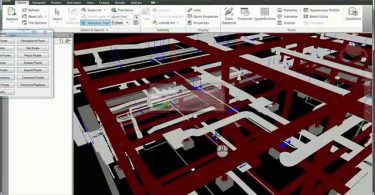
A short demonstration of the capabilities Autodesk Point Layout offers to enhance your Field Layout...