

This video will help you get started using Autodesk FormIt Mobile for iPad source
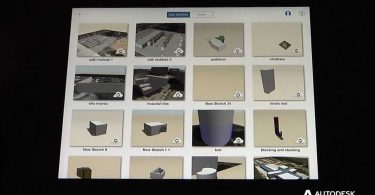
This video will help you get started using Autodesk FormIt Mobile for iPad source
This video will help you get started using Autodesk FormIt Mobile for iPad source
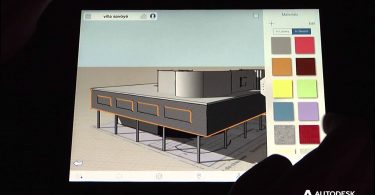
You can change the visual style of your FormIt model by applying bitmapped textures materials and...

Every time you create a new sketch in FormIt, or open an existing one, the building program...
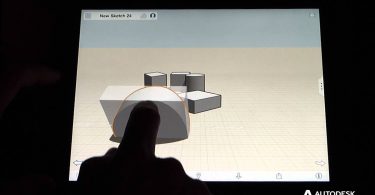
Modifying objects in FormIt is quite intuitive. Single tap to select an object and drag to move in...
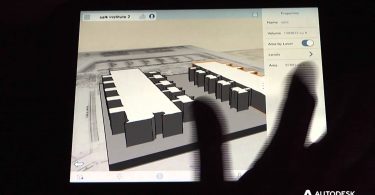
You can slice masses into levels in FormIt at specified heights. This allows you to accurately...
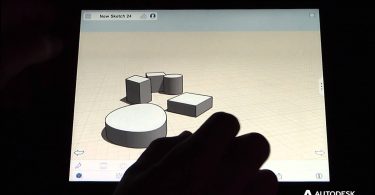
Creating objects in FormIt is easy! You can either place primitives (cube, cylinder, etc.) or draw...
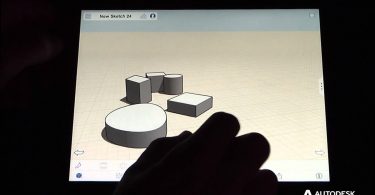
Creating objects in FormIt is easy! You can either place primitives (cube, cylinder, etc.) or draw...
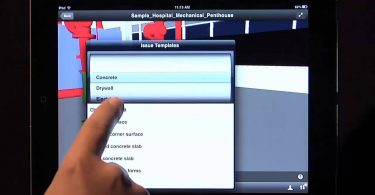
– An in depth look at the Field Management capabilities of Autodesk BIM 360 Field and how it...
– An in depth look at the Field Management capabilities of Autodesk BIM 360 Field and how it...